Command · Setup
Turn on the assistant
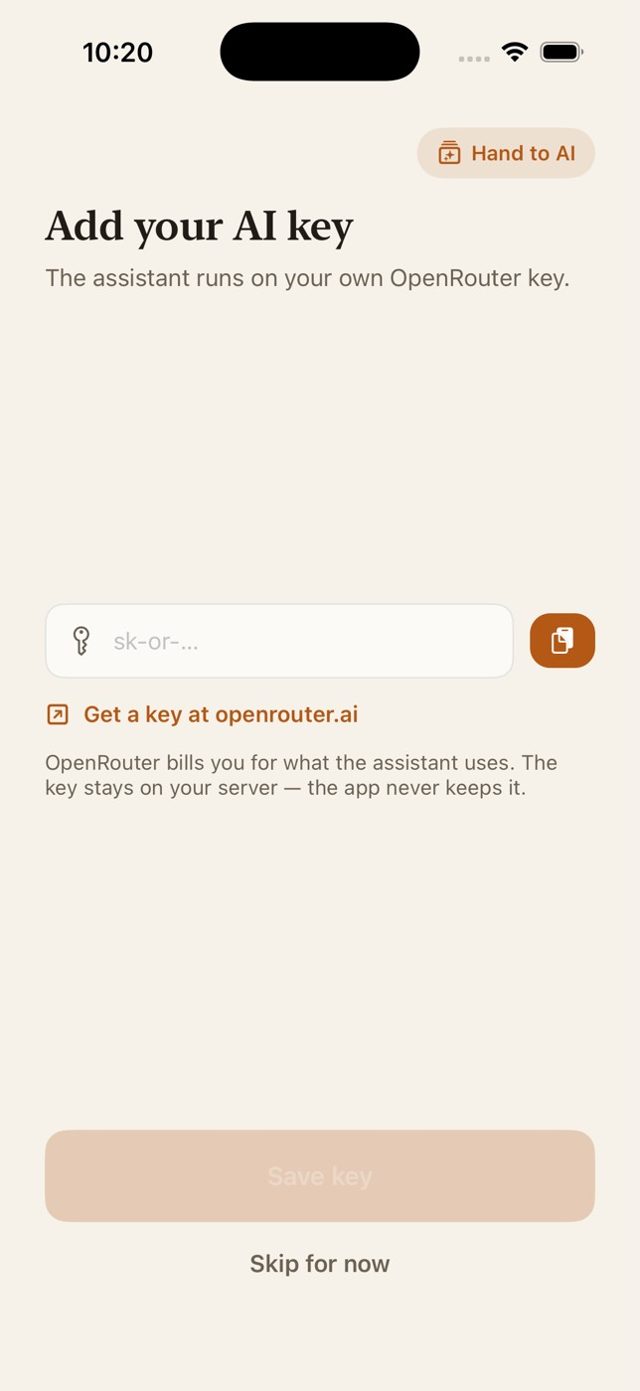
On your own server the assistant uses your OpenRouter key. On Command Cloud, Command Pro covers it instead.
- Get a key at openrouter.ai/keys and add a few dollars of credit.
- Paste it in the app. Right after you create the owner account — or later in Account → Server.
- Ask away. The key stays on your server and is never shown again.
Prefer settings? Railway: add COMMAND_AI_API_KEY under Variables. Docker: add -e COMMAND_AI_API_KEY=your-key to the run command.