Command · Setup
Connect Claude Code
Command is also an MCP server, so an agent like Claude Code can read your notes and help turn them into plans. It can create notes but never delete them.
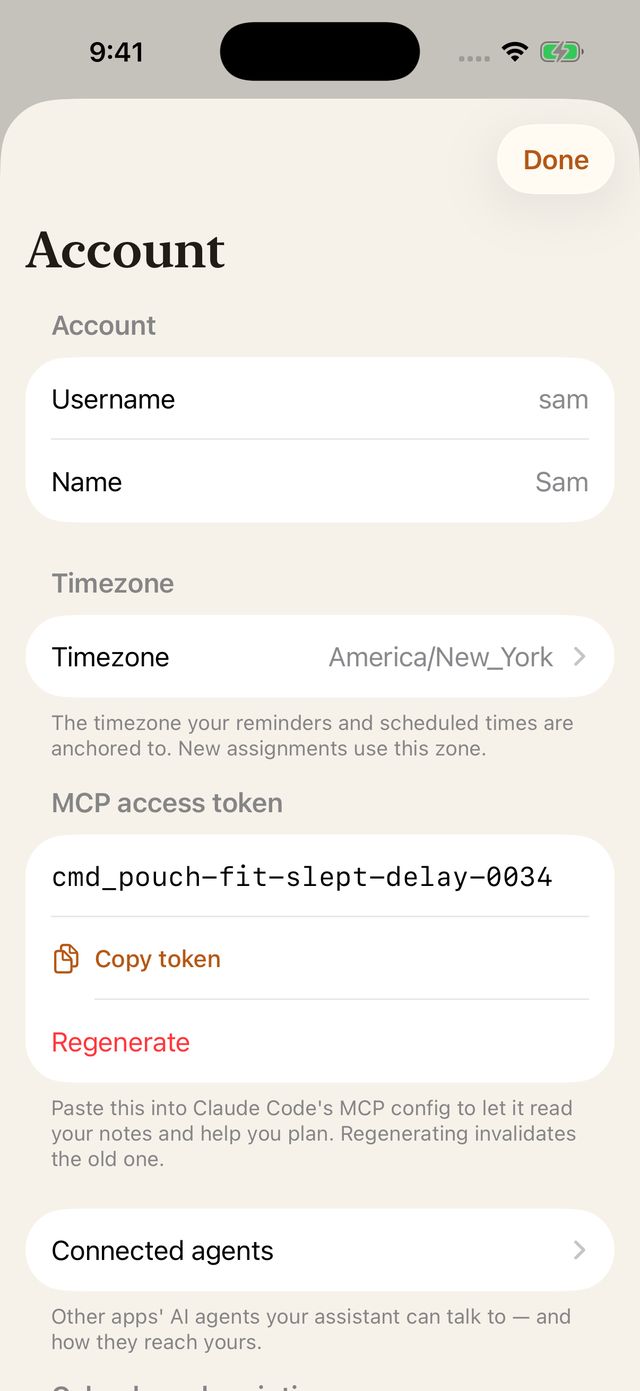
- Copy your access token in the app: Account → MCP access token → Reveal token → Copy token.
- Add Command to Claude Code in Terminal, with your token in place of
<access token>:claude mcp add --transport http command https://cloud.legitimateapps.com/mcp --header "Authorization: Bearer <access token>" - Ask it to plan. Try: “Read my unprocessed notes and help me turn them into goals.”
On your own server, use its address instead of https://cloud.legitimateapps.com, keeping /mcp on the end.